
Custom software development for business
Custom business software, web applications and AI assistants. From workflow analysis and interface design to deployment and support. Discuss your project.
Discuss your project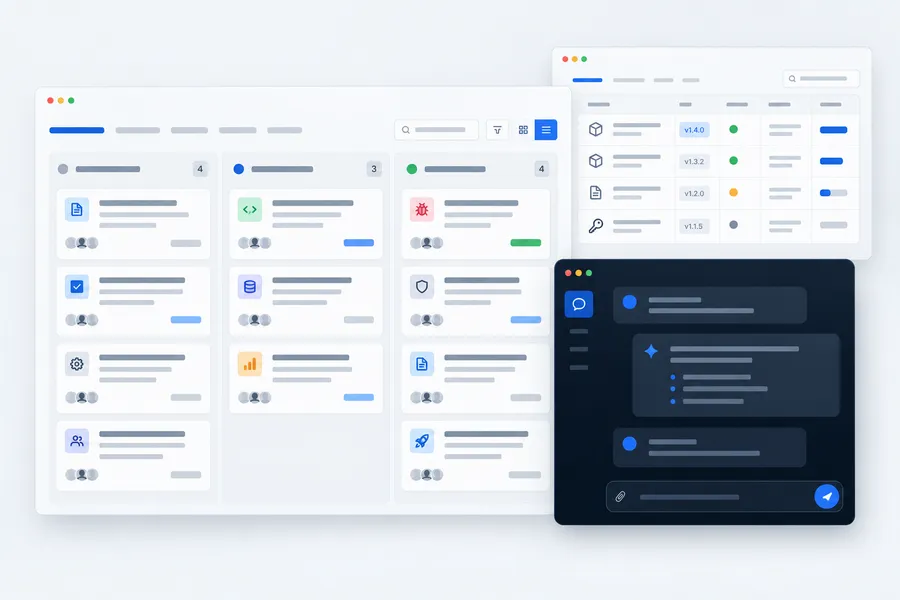
What software we build
We develop custom software when ready-made tools do not fit your workflows. We map staff roles, task flows, data and integration with other systems.
One team handles design, interfaces, the backend and launch. You can try working versions with your own data during development. We use the same approach in our own products.
Business systems
Tracking, requests, approvals and customer portals
AI assistants and chat
Project context, conversations and actions in your system
Websites and web services
Corporate websites, landing pages and portals
Mobile applications
Android, scanners, RFID and equipment integration
- Business systems: tracking, requests, approvals, staff roles and permissions
- AI assistants for tasks and discussions, with MCP integration
- Customer portals, account areas and web services
- Android apps for phones and handheld data terminals
- Multilingual websites and landing pages with request forms
- Integration with 1C, control systems and equipment, reports and printable documents
Our software in everyday use
TurboTask helps our team run projects. The Licensing Centre manages software delivery and operation.
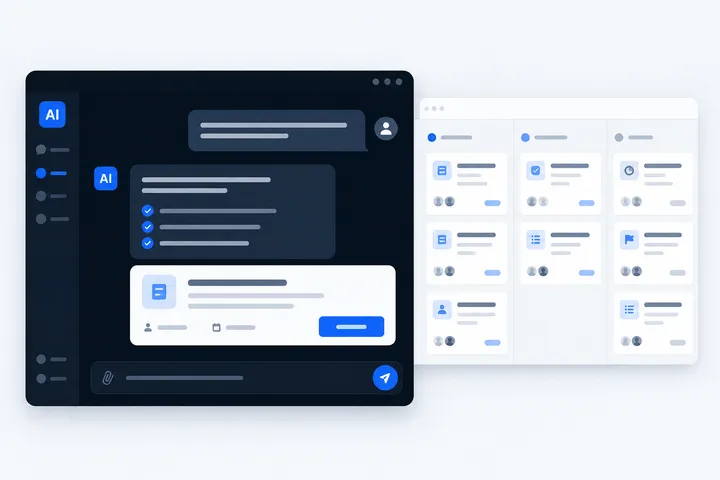

Kanban, AI chat and customer requests
TurboTask
From a customer request to a task on the board. Discuss the project with AI, create tasks from chat and track your team’s progress with kanban.
Kanban and AI chat in TurboTask work with the same project. Customers submit requests on a public page, and the team turns them into tasks and tracks the outcome. Chat retains history, uses project context and accepts images; tasks can be created and their statuses changed from the conversation. MCP makes the same tasks available from the development environment.
- Kanban boards, linked tasks and live updates
- Full AI chat with project context, history and images
- Create and update tasks from chat, with reviewable proposed actions
- Customer requests, comments, checklists and attachments
- MCP for external tools, staff permissions and an action log
AI in TurboTask
Discuss it in chat. Take it into the task.
AI chat works with the selected project’s context. It helps interpret customer requests, prepare tasks and understand what is happening on the board.
For example, ask it to
- What is in progress on this project?
- Create a task from this customer conversation
- Find tasks related to this error
Works with context
Projects, boards, tasks and chat history are part of the same workflow.
Helps take action
On request, it creates tasks, changes statuses and links work to customer requests.
Accepts images
Attach a screenshot to the conversation. Chat history is saved between sessions.
Proposed task actions can be reviewed and edited before execution.
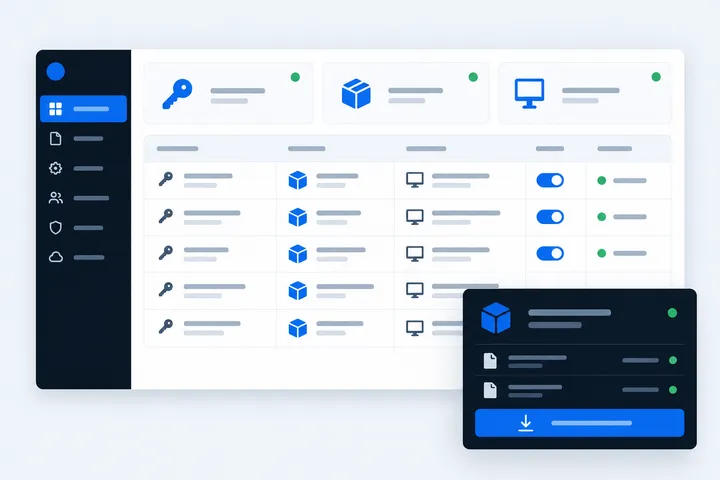

Licences, releases and customer updates
Licensing Centre
Customers, licences, versions and installed instances in one system. We deliver updates, control access to features and receive reports on software health and errors.
Software reports its health and version. The team can see errors, licence expiry dates and installed updates. Features are enabled per customer, updates are delivered through a release portal, and changes are recorded in the audit log.
- Customers, installed instances and licences with expiry dates and limits
- Products, versions, distribution files and a release portal for customers
- Per-customer feature switches without a separate build
- Health and error reports from instances, notifications, audit log
- Staff permissions per section and machine keys for instances and CI
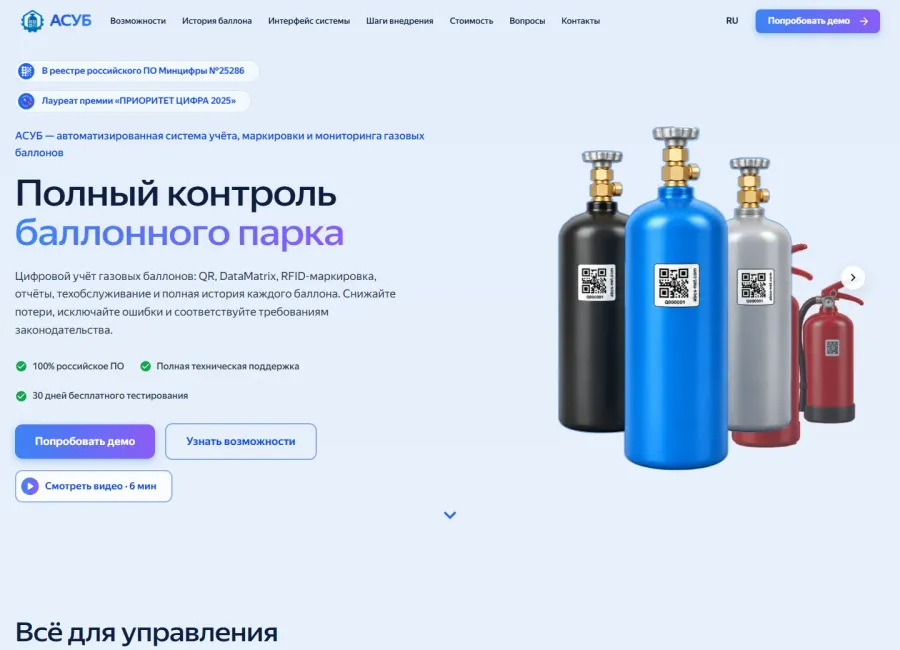
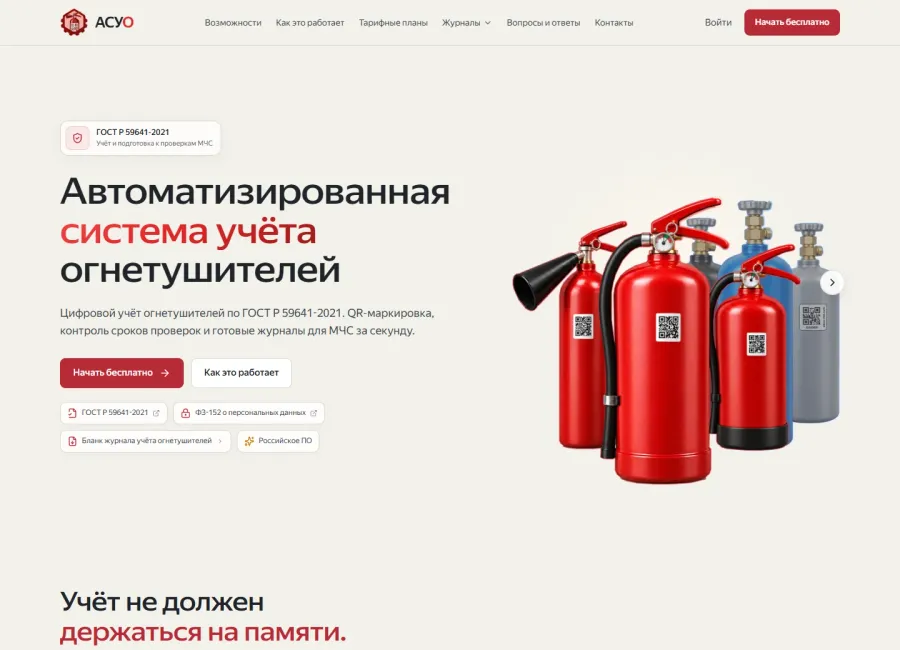
Our other developments include ASUB, ASUO, LUCH, JEWEL ID and our product websites.
Websites and landing pages we built
Turboserv’s corporate website and our product landing pages. We design the structure, interfaces, mobile layouts and the path from the first screen to a request.
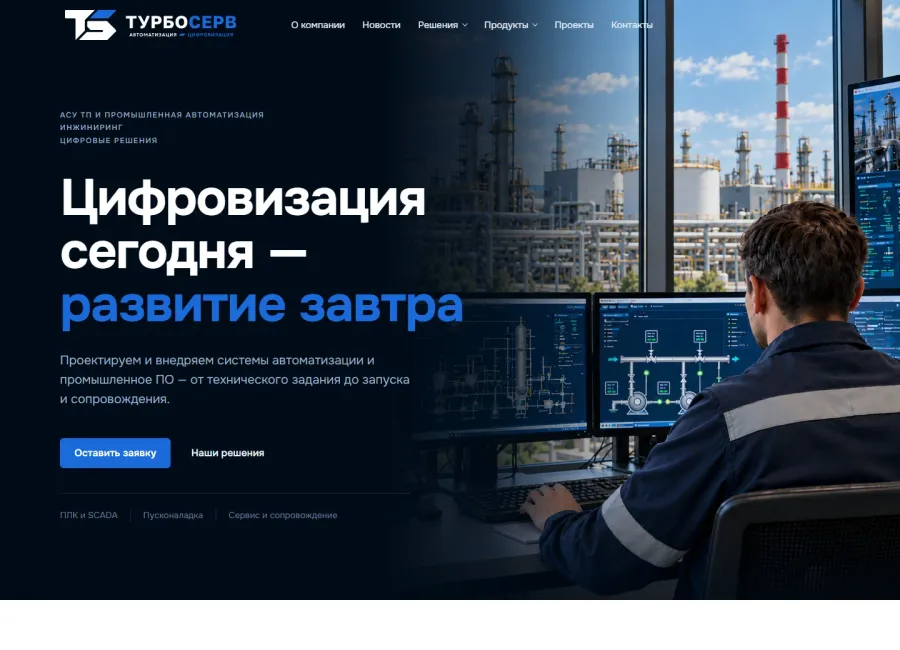
- Corporate sites and landing pages
- Mobile layouts
- Multiple languages and request forms
- Visit websiteTurboserv
Turboserv
Corporate website
- Visit websiteASUB
ASUB
Cylinder tracking product website
- Visit websiteASUO
ASUO
Fire extinguisher tracking product website
Specialised tracking systems
Tracking is where we have the most ready solutions: ASUB for gas cylinders, ASUO for fire extinguishers, LUCH for equipment and steel structure deliveries, JEWEL ID for jewellery production. ASUB is listed in the Russian software registry; JEWEL ID is registered by Rospatent.
If none of them fits, we build tracking around your own items and rules: what is counted, which stages it moves through, who is responsible, which documents are printed and which programs the data is exchanged with.
How we work
Task
We study the whole process and write down what the system must do — and what it must not.
Prototype
We show the screens and the data model before development, so disagreements happen over a mock-up, not finished code.
Development
We release versions to a test stand, so you see the system working before handover.
Launch
We deploy it, migrate the data, train the staff and keep developing the system.
What you get
- A working system deployed on the customer’s server or in the cloud
- Source code and rights to the development as agreed in the contract
- A user guide and administrator documentation
- Staff training and support after launch
Platforms
- Kotlin
- Spring Boot
- PostgreSQL
- Liquibase
- TypeScript
- React
- Next.js
- Astro
- Android
- Docker
- REST API
- MCP
FAQ
Do you develop business systems, apps and software with AI?
Yes. We build business systems, AI chat and assistants, Android apps, web services and websites. Our own TurboTask combines kanban, customer requests and AI chat with project context, conversation history and task actions. The Licensing Centre manages licences and updates for our software. We use the same approach in custom projects.
Who owns the software you develop?
It is a matter of the contract: we hand over the source code and the rights to the development when the contract provides for it. Ready products such as ASUB and ASUO are licensed and remain ours.
What determines software development cost and timeline?
Features, integrations, data migration and deployment requirements affect the estimate. After studying the task, we define the scope and sequence of work. We develop in versions: the first working part can be tried with your data before the whole system is complete.
Can you extend a system somebody else wrote?
Yes, if the source code and database access are available. We first study what is already written and then say what can be extended and what is cheaper to rewrite. We support third-party industrial software in the same way.
Can custom software integrate with 1C and other systems?
We plan data exchange with 1C, equipment and existing business systems. We first check the available APIs, data formats and access permissions, then agree on the scope and direction of the exchange. Integration feasibility depends on these conditions.
How do we start a custom software project?
Describe your current workflow, who will use the software and the result you need. If you have an existing system, spreadsheets, sample documents or mock-ups, bring them to the discussion. We use these to clarify requirements and propose the scope of the first version.